
Wharf, a Next.js template
onchain payments landing page
A landing page for an onchain settlement layer: a business takes any token in and settles in stablecoins across 30 chains. The hero plays a payment through a live chain map and a settlement card, from quote to settled. Then four steps (accept, route, sponsor, settle) play out on a working checkout as you scroll, followed by the four products each with its own animated drawing, customer logos and a volume chart that reads out under the pointer, a developer section that runs code samples against a pretend API, a testimonial, security, a FAQ, and a call to action over a field of falling glyphs. Wharf Labs and every company, figure and quote are invented sample content.
- Fintech
- Advanced
- 1 page
- 11 sections
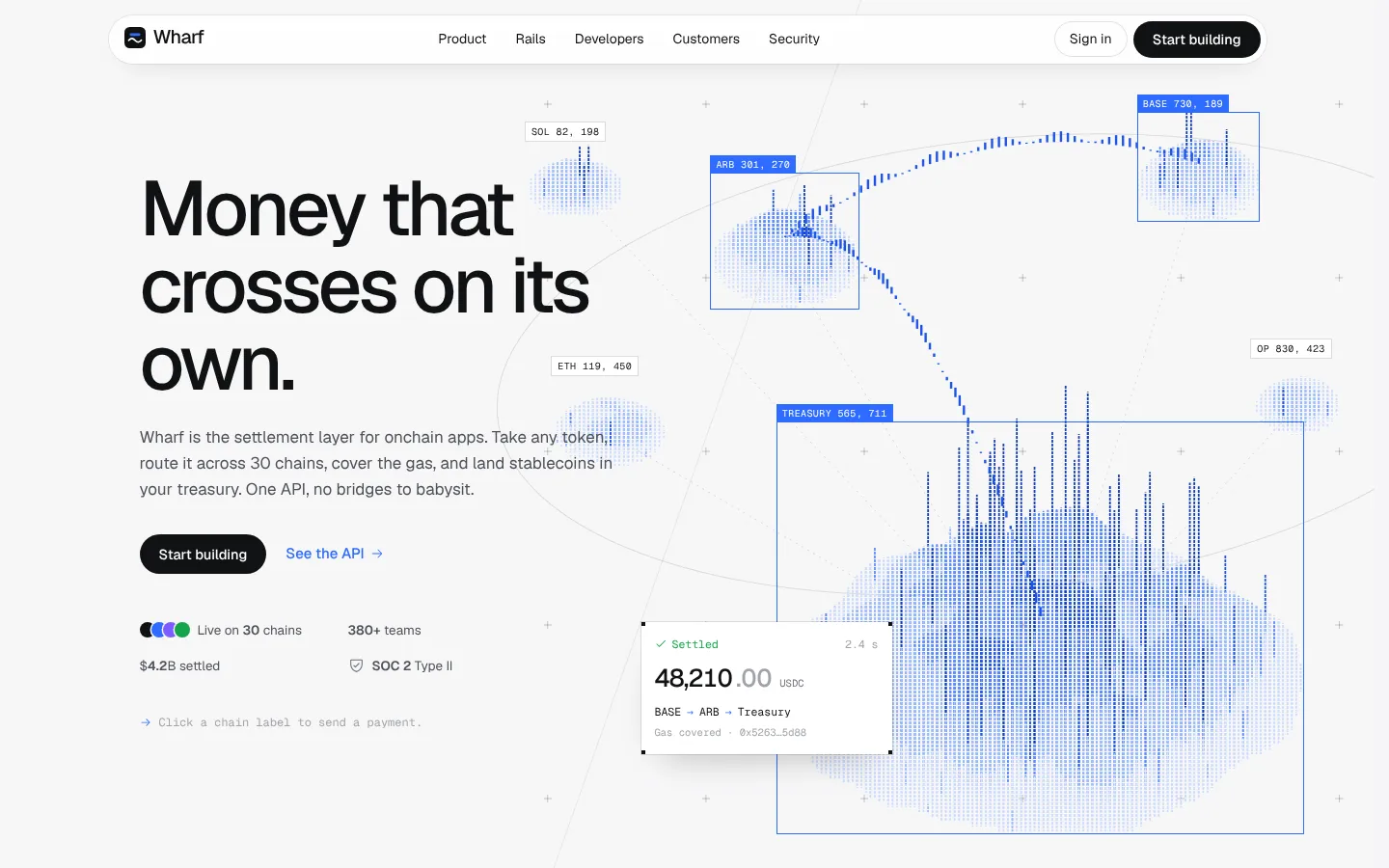
Inside the page
Screens from the live template. The first one is open to everyone; Pro unlocks the other 3.
What's in it
Sections, top to bottom
- 1Navigation
- 2Hero with Chain Map and Settlement Card
- 3How It Works
- 4Products with Animated Drawings
- 5Customers and Volume Chart
- 6Developers with Runnable Code Samples
- 7Testimonial
- 8Security
- 9FAQ
- 10Call to Action
- 11Footer
Built in
- Hero that plays a whole payment: the chain map draws the route while the settlement card steps from quote to settled
- How it works as a pinned scroll: four steps play out on a working checkout where changing the amount or token requotes, gas sponsorship toggles and Pay confirms with a countdown
- Four products, each with its own animated drawing: a machine that turns any token into USDC, a route drawn across a map, a gas gauge and a ledger that folds open and reconciles
- A cumulative volume chart that draws itself in and reads out the month under the pointer, next to customer logos and headline numbers
- Developer section with code samples for each endpoint that run against a pretend API and print the response
- Call to action over a canvas of falling glyphs that answers the pointer
- Geist and Geist Mono self-hosted (both Open Font Licence), reduced-motion support, all content in one data file
Run it on your machine
Get the code
Get Pro or lifetime access, then download the source zip from this page.
Install
In the project folder:
$ npm installStart it
Then open localhost:3000.
$ npm run dev
More templates
See all templates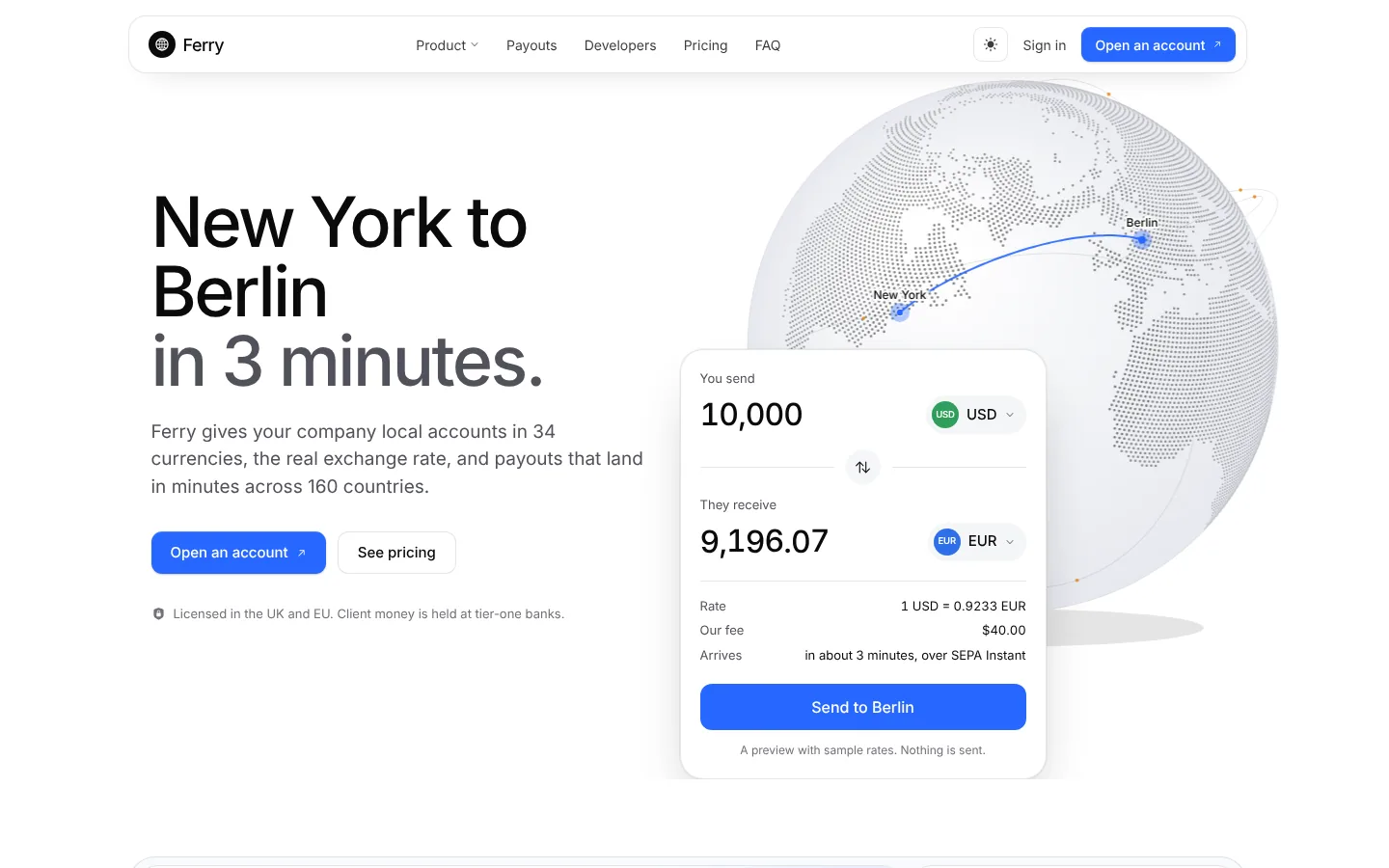
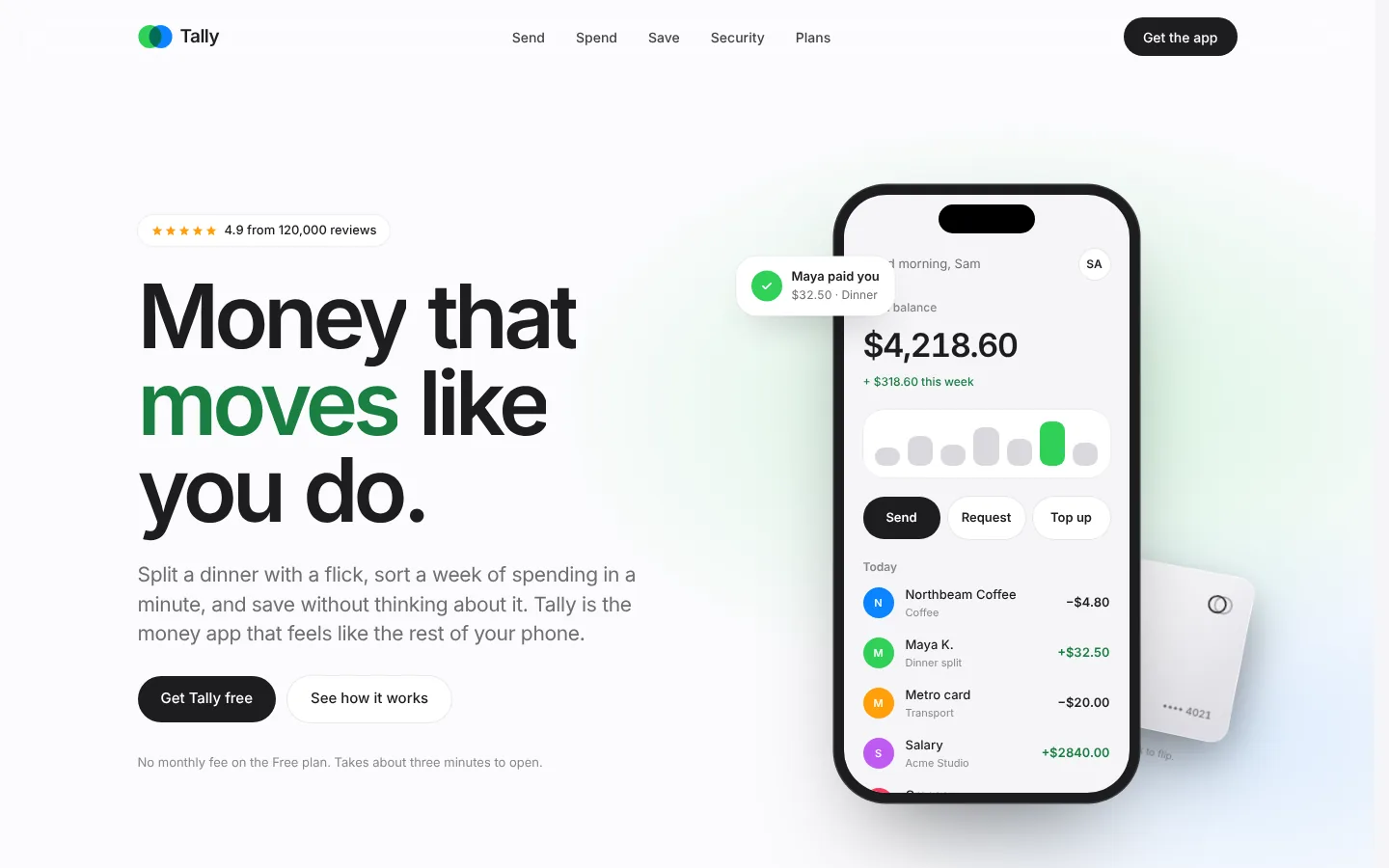
Make Wharf yours
Included in Pro, $49.99 a year, along with every other template. Swap in your words and colours and ship it.