
Updraft, a Next.js template
coding agent workspace landing page
A bright landing page for an agent workspace that plans a change, writes it, runs the tests and brings back a diff. The headline types itself over a field of spectrum-coloured dots that lean toward the pointer. Below: a live mock of the desktop app where agents work through tasks, a strip of tool icons, a paragraph that inks in as you scroll, a sticky tour of the four places it runs (desktop, terminal, editor and agent kit), a draggable carousel of team scenes, plans, a journal row, a newsletter form, a download panel and a footer whose giant wordmark tilts toward the pointer. Every download button opens one platform dialog. Updraft and every person, team and post are invented sample content.
- AI Tools
- Advanced
- 1 page
- 13 sections
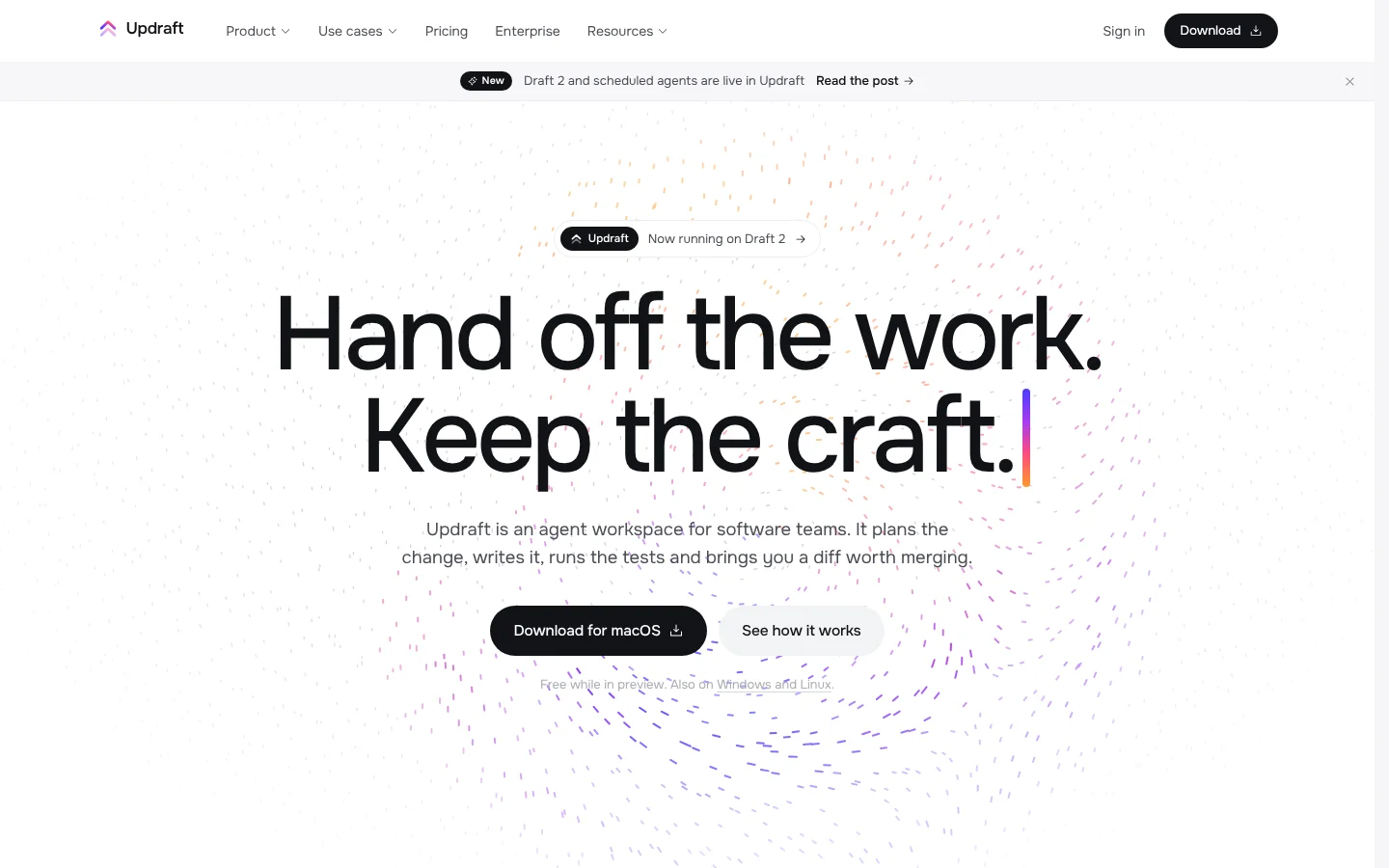
Inside the page
Screens from the live template. The first one is open to everyone; Pro unlocks the other 3.
What's in it
Sections, top to bottom
- 1Navigation with Mega Menus
- 2Hero with Dot Field
- 3Product Tour
- 4Tool Strip
- 5Statement
- 6Surfaces
- 7Teams
- 8Plans
- 9Journal
- 10Newsletter
- 11Download
- 12Footer
- 13Download Dialog
Built in
- A canvas field of spectrum dots that swells around the pointer, fades in on first view and hushes behind text
- A headline that types itself with a spectrum caret, and paragraphs that ink in word by word as they scroll
- A live desktop-app mock where agent tasks plan, edit, test and land as diffs, with a play and pause control
- A sticky tour of four surfaces with live mocks of the app, a terminal run, an editor and an agent kit
- A draggable carousel of team scenes, a journal row with arrow buttons and a newsletter form with inline validation
- A giant footer wordmark whose letters drift and tilt toward the pointer, and one download dialog shared by every button
- Onest and Geist Mono self-hosted, Phosphor icons (MIT)
Run it on your machine
Get the code
Get Pro or lifetime access, then download the source zip from this page.
Install
In the project folder:
$ npm installStart it
Then open localhost:3000.
$ npm run dev
More templates
See all templates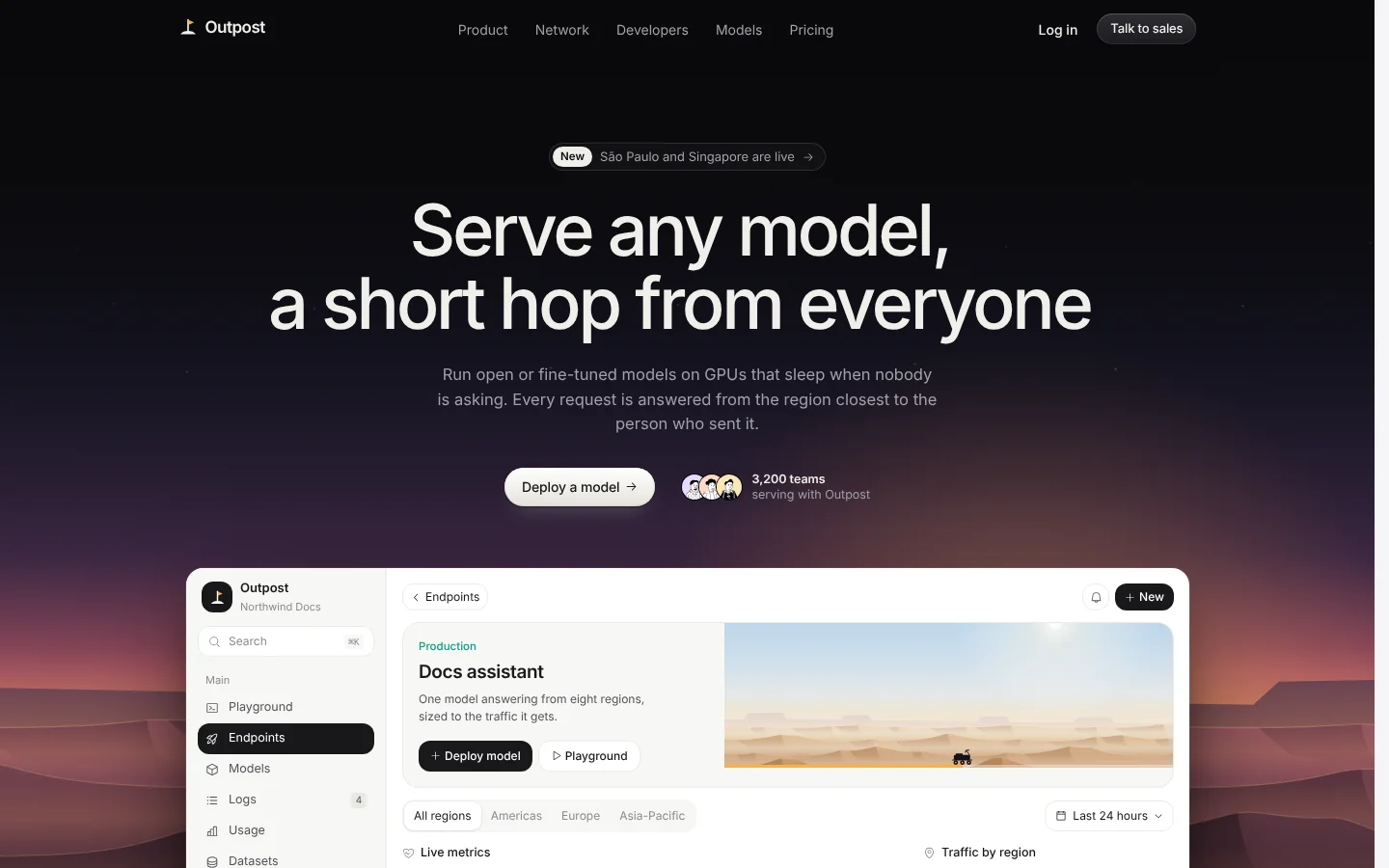
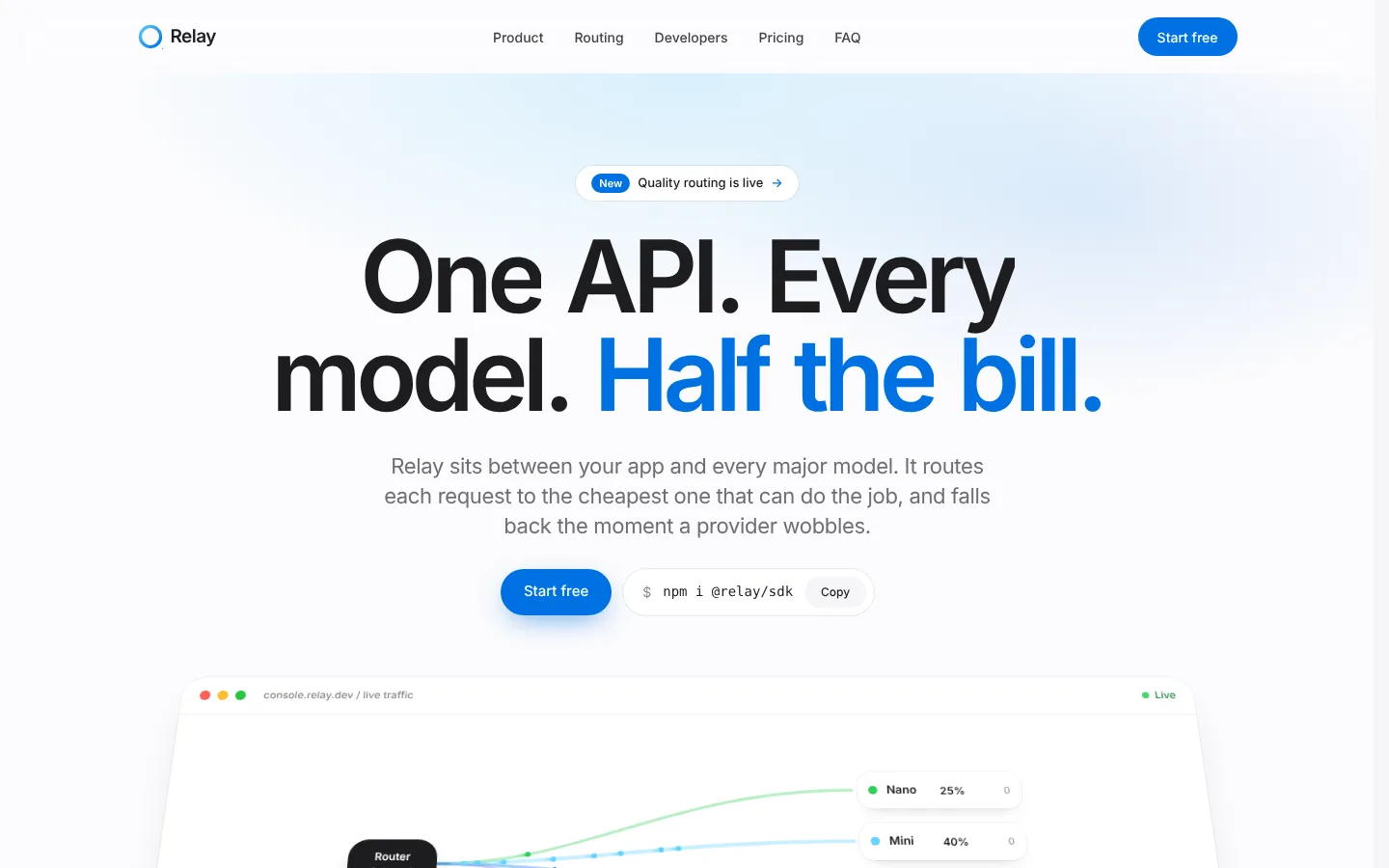
Make Updraft yours
Included in Pro, $49.99 a year, along with every other template. Swap in your words and colours and ship it.