
Forge, a Next.js template
AI coding copilot
A light, spring-animated landing page for an AI coding assistant. The hero is an X-ray lens you drag over a code file to see what Forge knows about each line: callers, thrown errors, missing cases and untested branches. A pinned story, a draggable before/after code review, an editor dock, privacy toggles and a seat calculator follow.
- AI Tools
- Advanced
- 1 page
- 11 sections
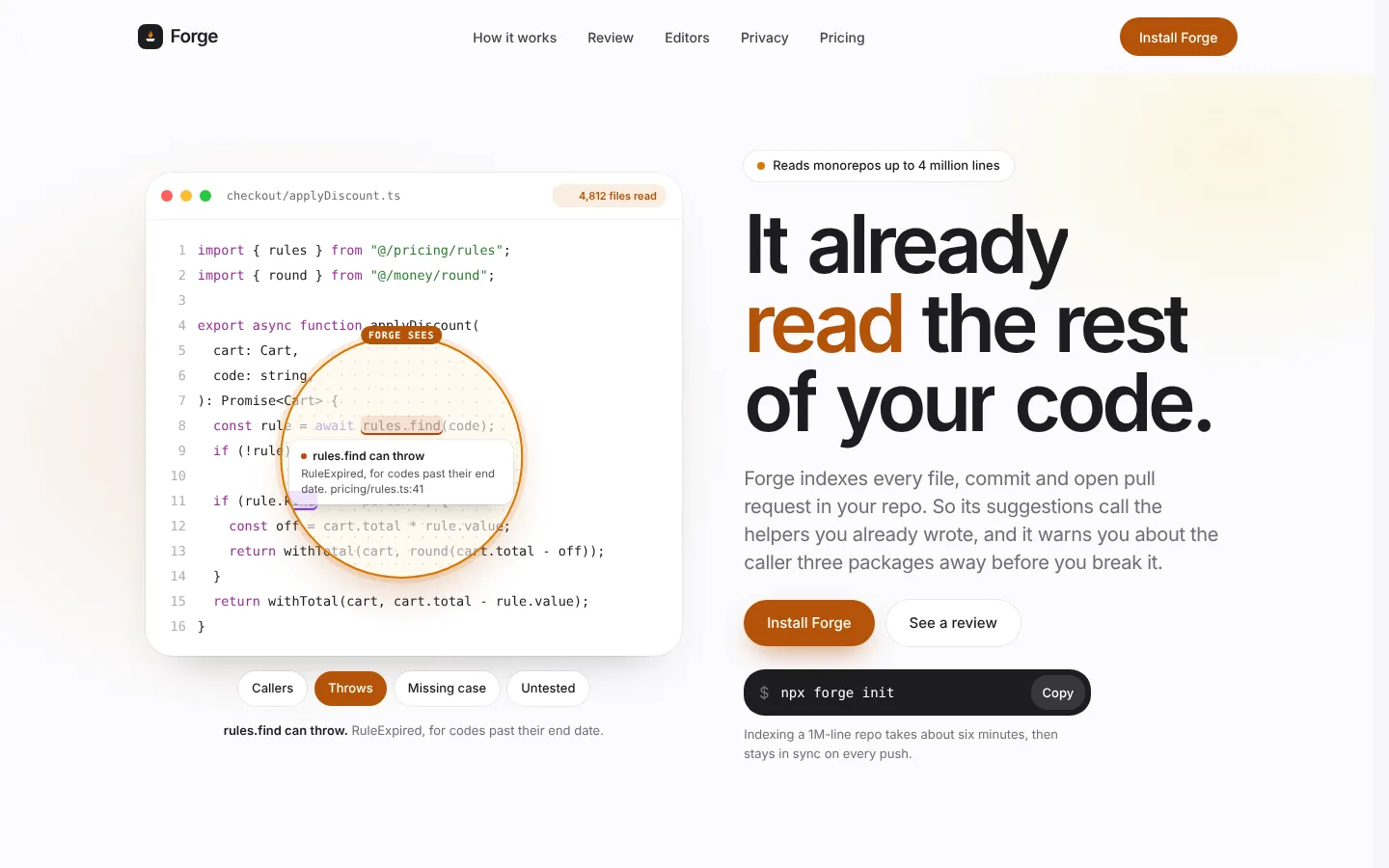
Inside the page
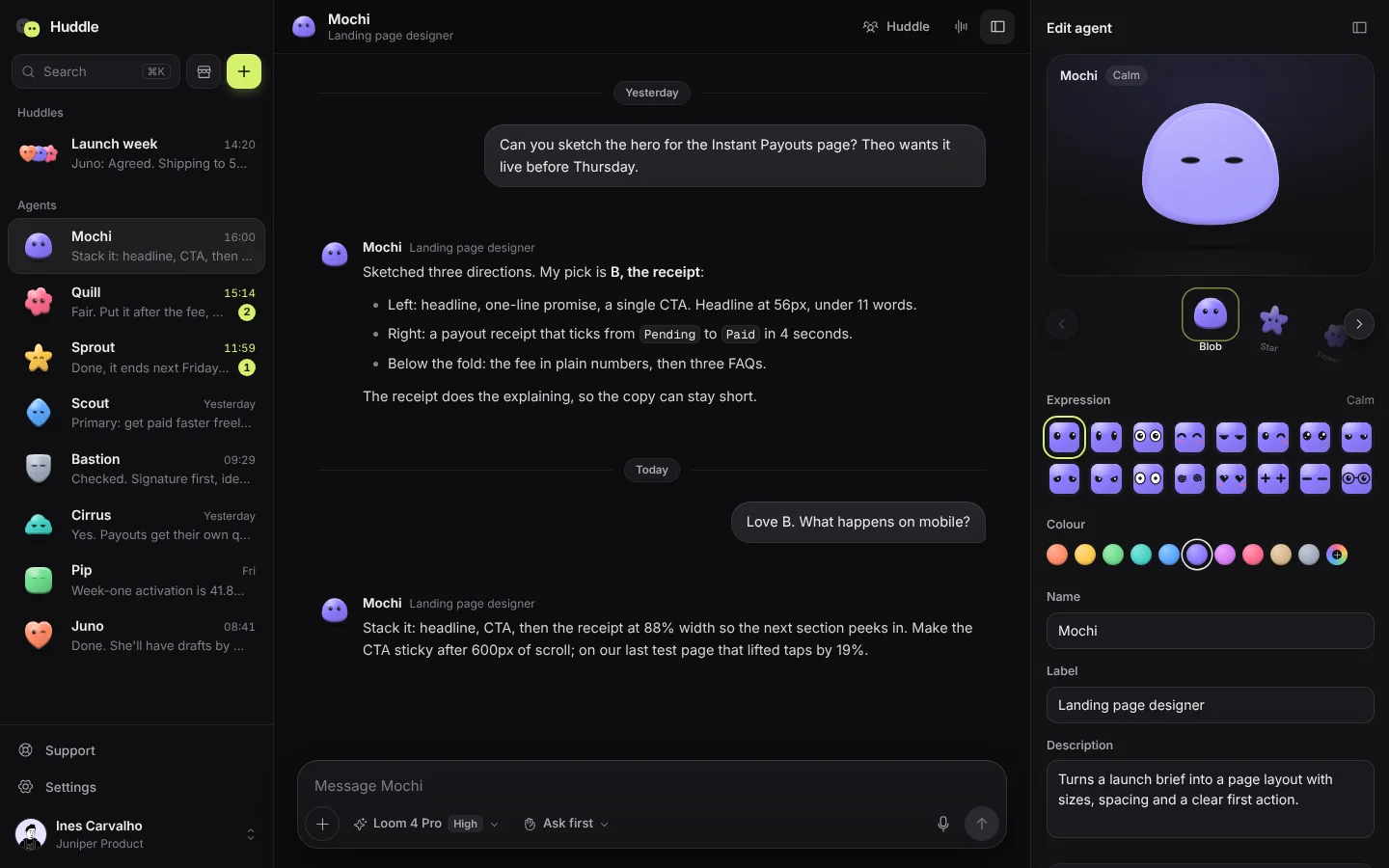
Screens from the live template. The first one is open to everyone; Pro unlocks the other 3.
What's in it
Sections, top to bottom
- 1Navigation
- 2Hero with X-ray code lens
- 3Stats
- 4How Forge knows (pinned scroll story)
- 5Review (before/after)
- 6Editors dock
- 7Privacy settings
- 8Pricing with seat calculator
- 9FAQ
- 10CTA band
- 11Footer
Built in
- Draggable X-ray lens that reveals repo context inside a clipped circle
- Lens follows the mouse, drags on touch, tours by itself when idle, with keyboard buttons
- Pinned scroll story with four live product visuals
- Draggable before/after comparison of a suggested refactor
- Magnifying editor dock
- Capsule privacy toggles with rolling hints
- Elastic seat stepper with odometer total
- Reduced-motion aware, hydration-safe, responsive to 390px
Run it on your machine
Get the code
Get Pro or lifetime access, then download the source zip from this page.
Install
In the project folder:
$ npm installStart it
Then open localhost:3000.
$ npm run dev
More templates
See all templates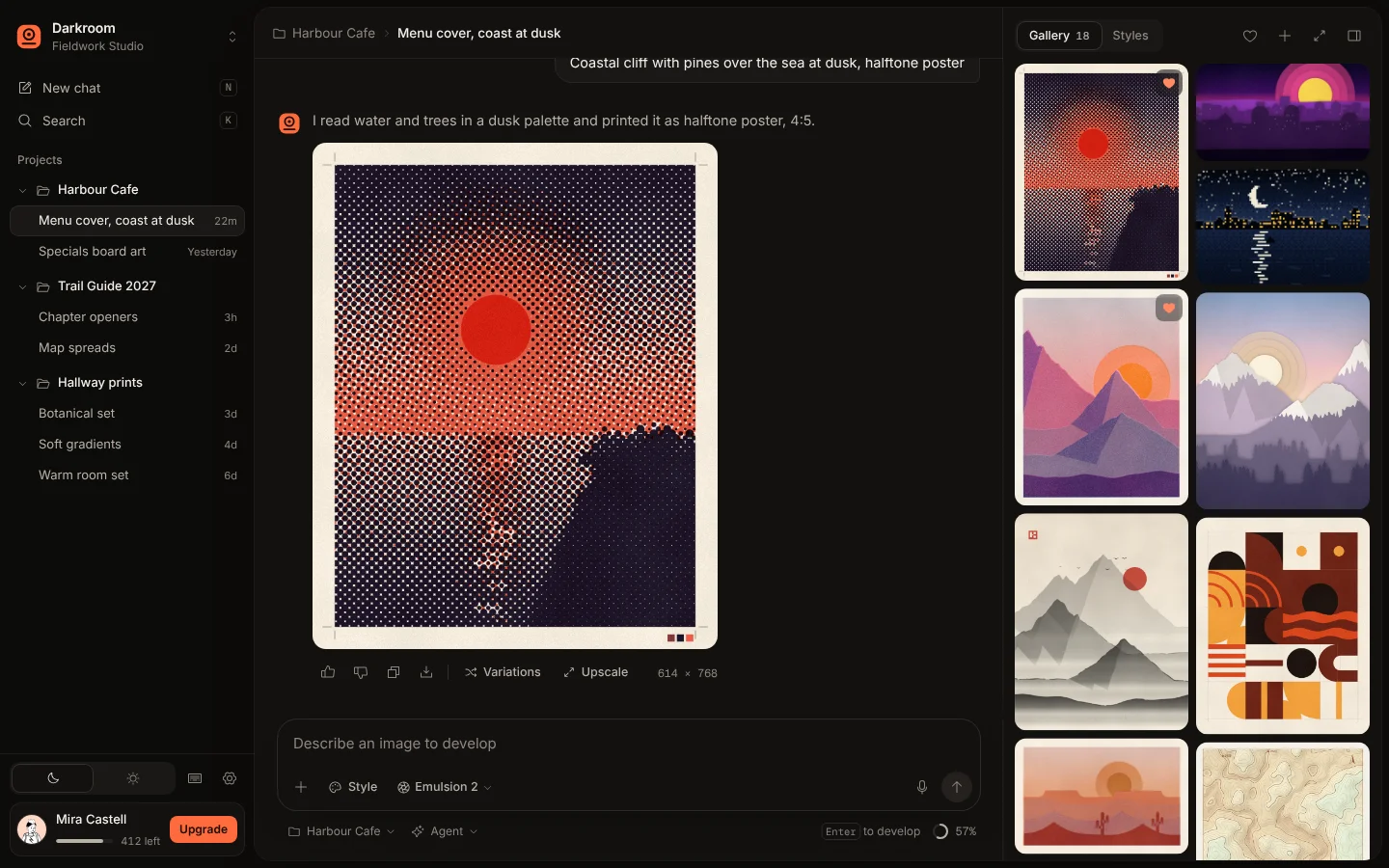
Make Forge yours
Included in Pro, $49.99 a year, along with every other template. Swap in your words and colours and ship it.