
Meridian, a Next.js template
operations dashboard app
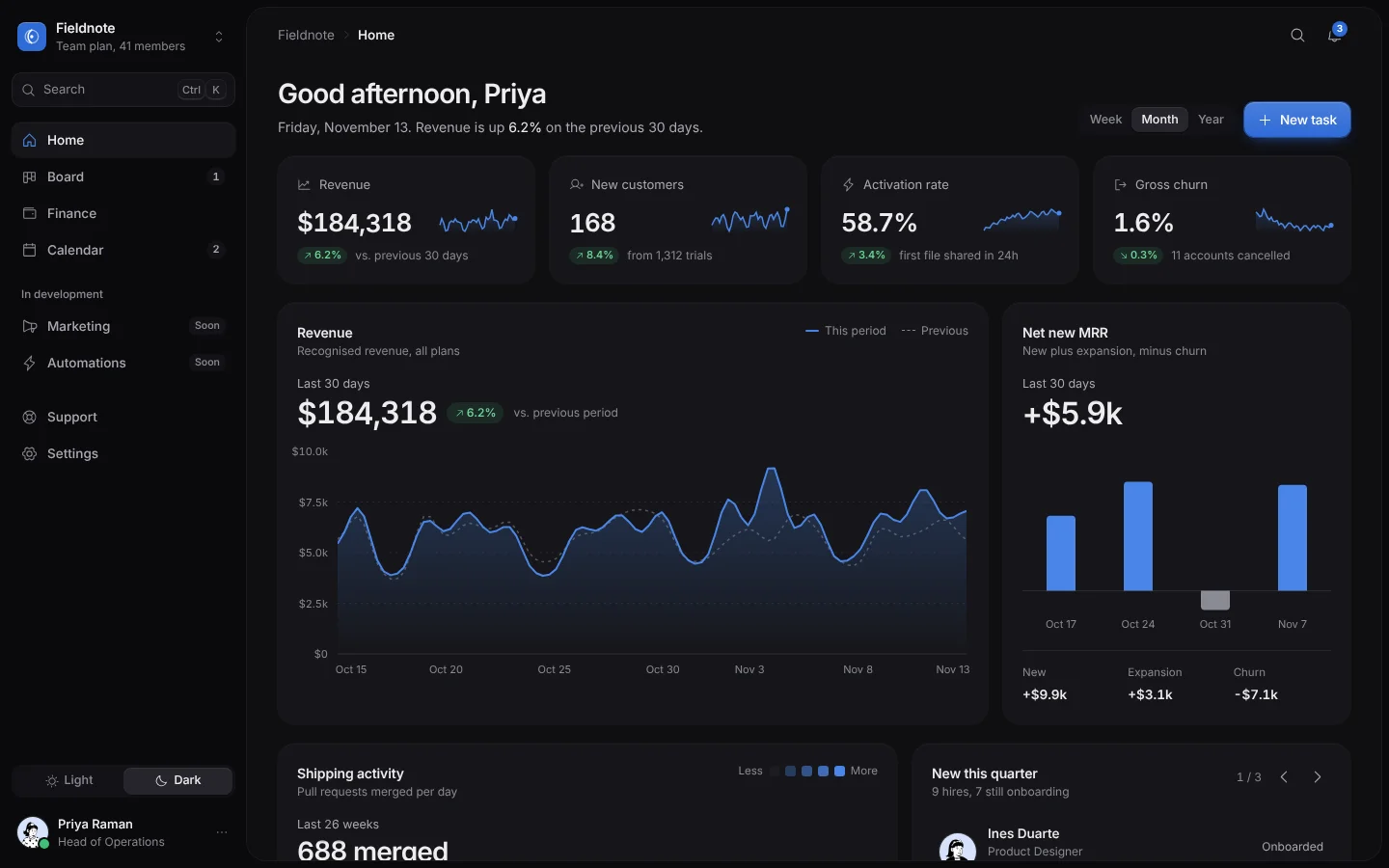
An operations workspace for a small software company, in a dark theme with a light one that spreads from the click as a circle. Home has revenue against the previous period as two smooth lines that morph between week, month and year, KPI cards with sparklines, net new MRR bars, half a year of releases as a heatmap, the newest hires, and a customers table you can search, filter, sort, select, bulk-edit, archive with Undo and export as CSV. Board is a kanban whose cards tilt with your drag speed and move with the keyboard, with a task panel of checklist, assignees, hours and comments. Finance shows cash flowing from income to spending, budgets as rings and recent transactions; Calendar is a month that slides, with filters and a day panel to add events. A command palette reaches every page, action, customer and task. Meridian, Fieldnote and every person, customer, figure and event are invented sample content.
- Dashboard
- Advanced
- 1 page
- 11 sections
Inside the page
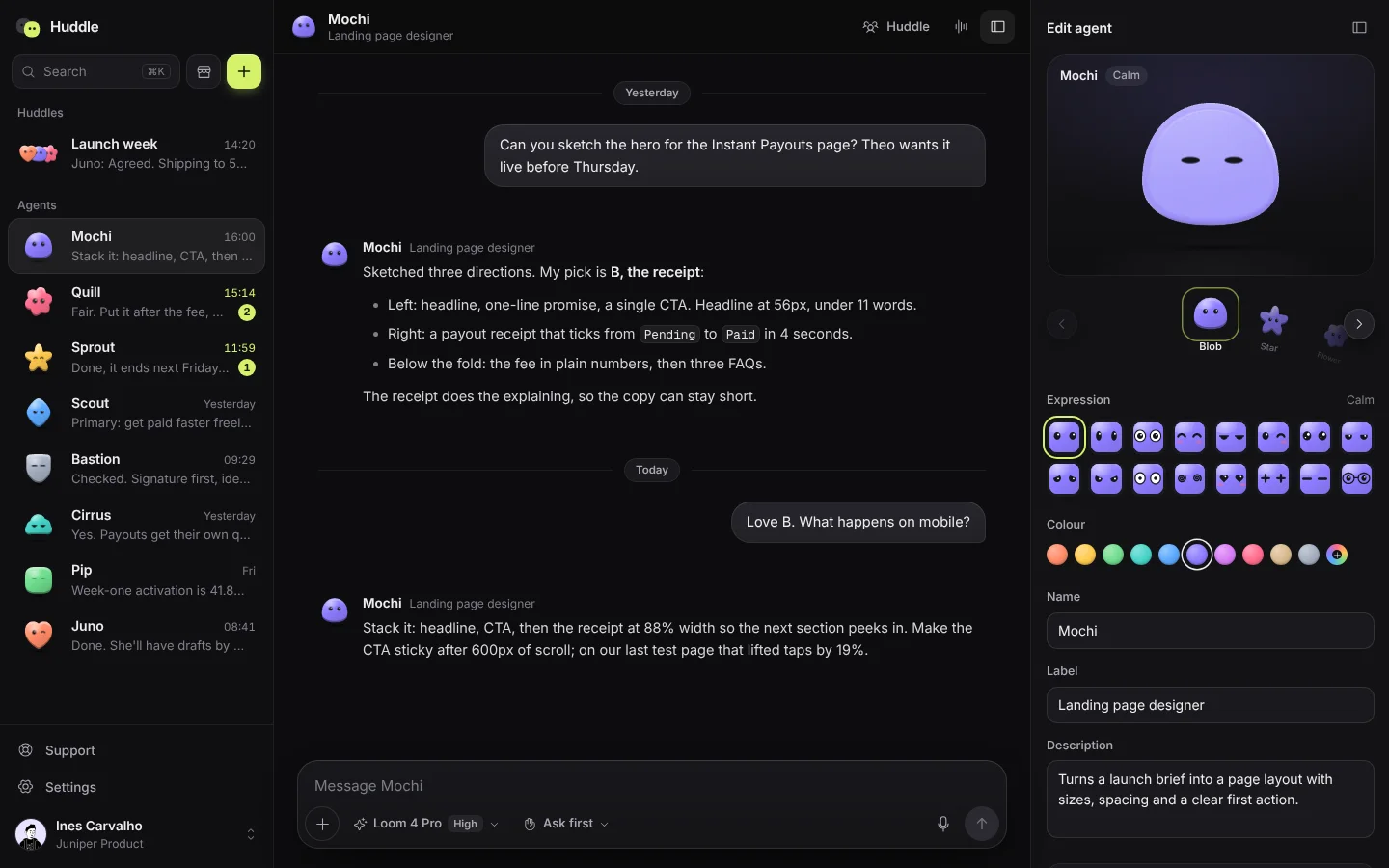
Screens from the live template. The first one is open to everyone; Pro unlocks the other 3.
What's in it
Sections, top to bottom
- 1Sidebar
- 2Home with Revenue Chart
- 3KPI Cards
- 4Release Heatmap
- 5Customers Table
- 6Kanban Board
- 7Task Panel
- 8Finance Flow
- 9Budgets
- 10Calendar
- 11Command Palette
Built in
- A revenue chart with this period against the last as two smooth lines that morph between week, month and year, with a crosshair readout
- KPI cards with sparklines and counting numbers, net new MRR bars and a release heatmap
- A customers table with search, plan filters, sorting, row selection, bulk edits, archive with Undo and CSV export
- A kanban board whose cards tilt with drag speed, move between columns by keyboard and open a task panel
- Cash flowing from income sources to spending, budgets as rings and a list of recent transactions
- A sliding month calendar with filters and a day panel to add events
- A command palette for pages, actions, customers and tasks, and a light theme that spreads from the click
- Inter and Geist Mono self-hosted, Phosphor icons (MIT) and Notionists faces (CC0)
Run it on your machine
Get the code
Get Pro or lifetime access, then download the source zip from this page.
Install
In the project folder:
$ npm installStart it
Then open localhost:3000.
$ npm run dev
More templates
See all templates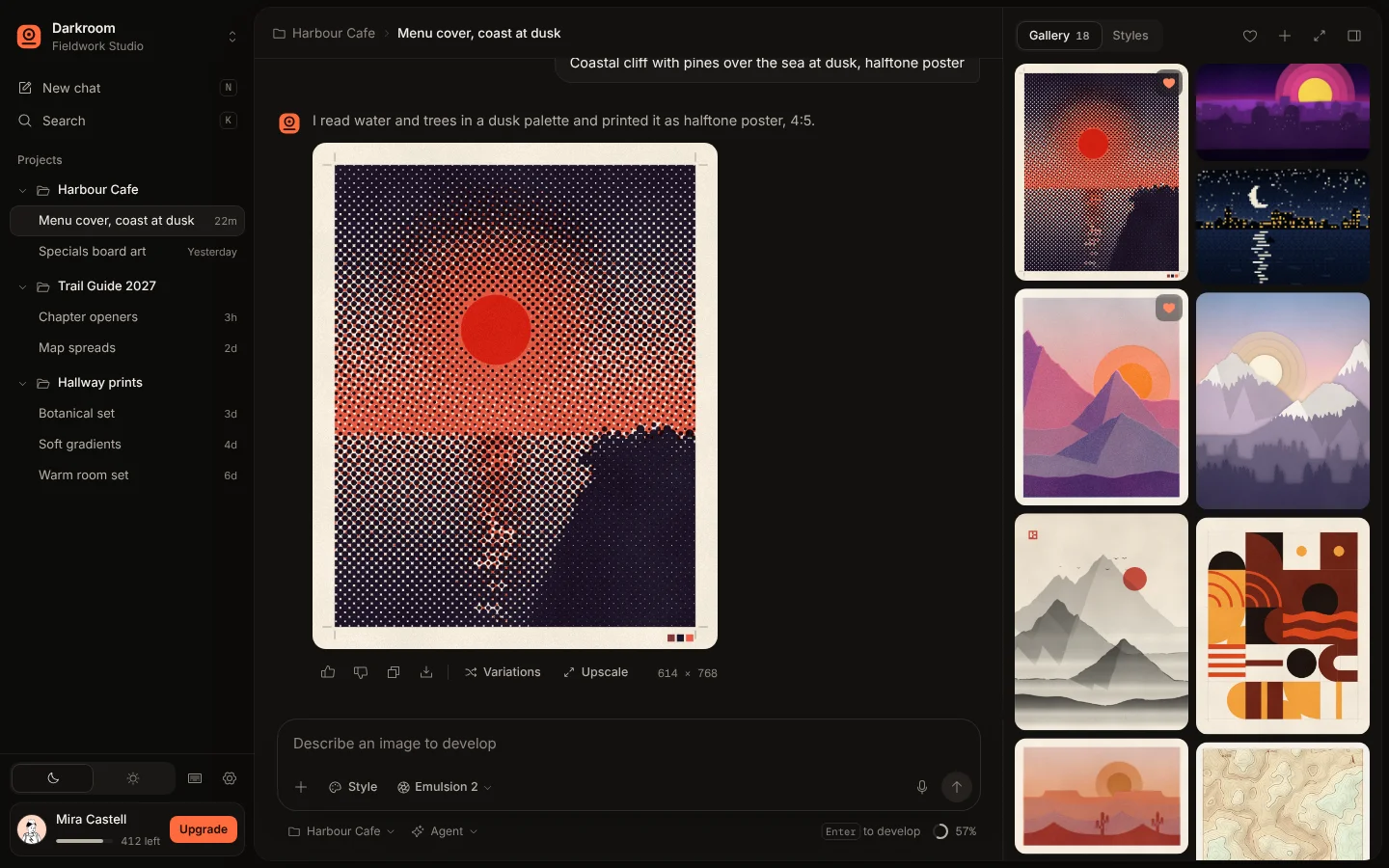
Make Meridian yours
Included in Pro, $49.99 a year, along with every other template. Swap in your words and colours and ship it.