
Photo Tunnel, animated React component
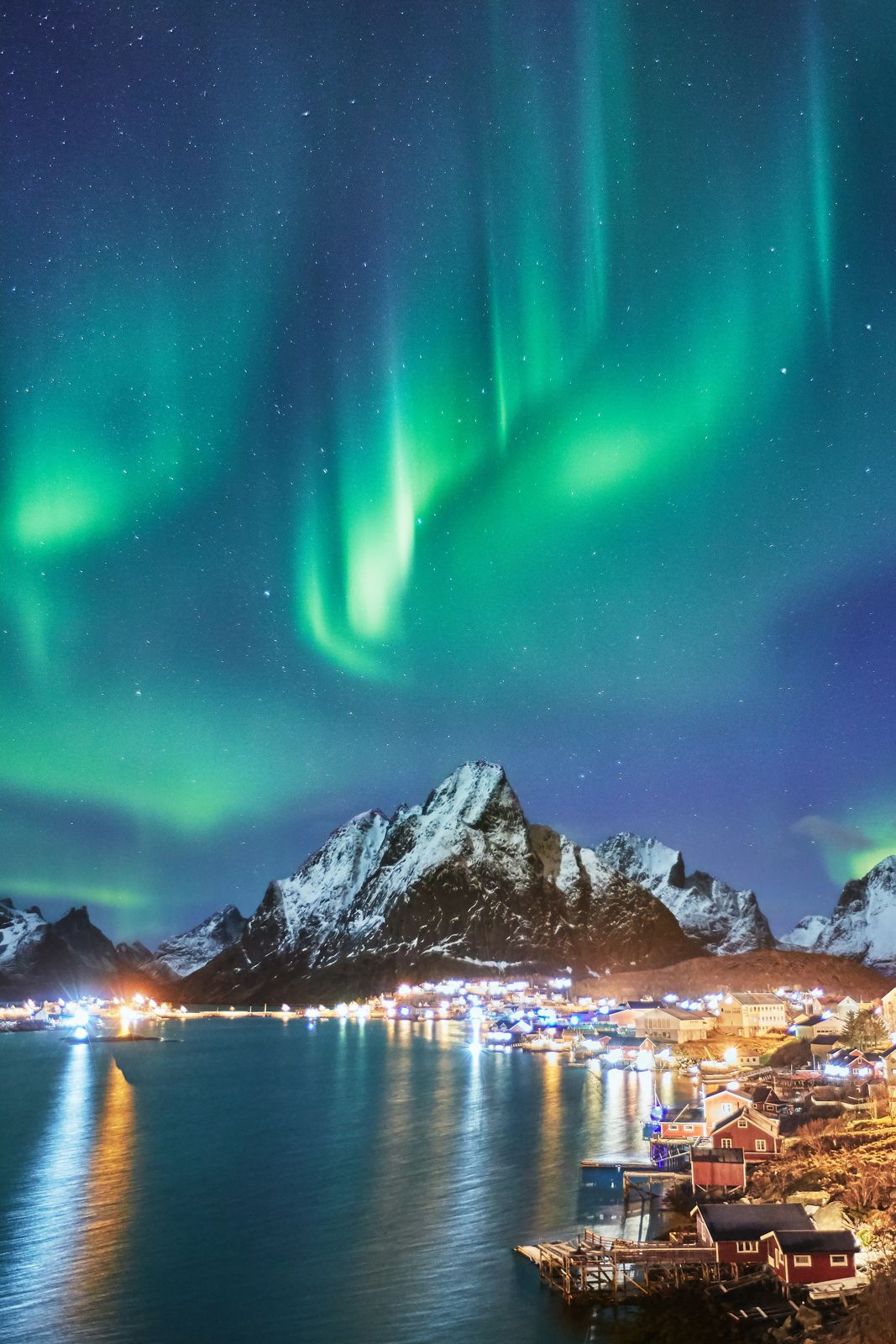
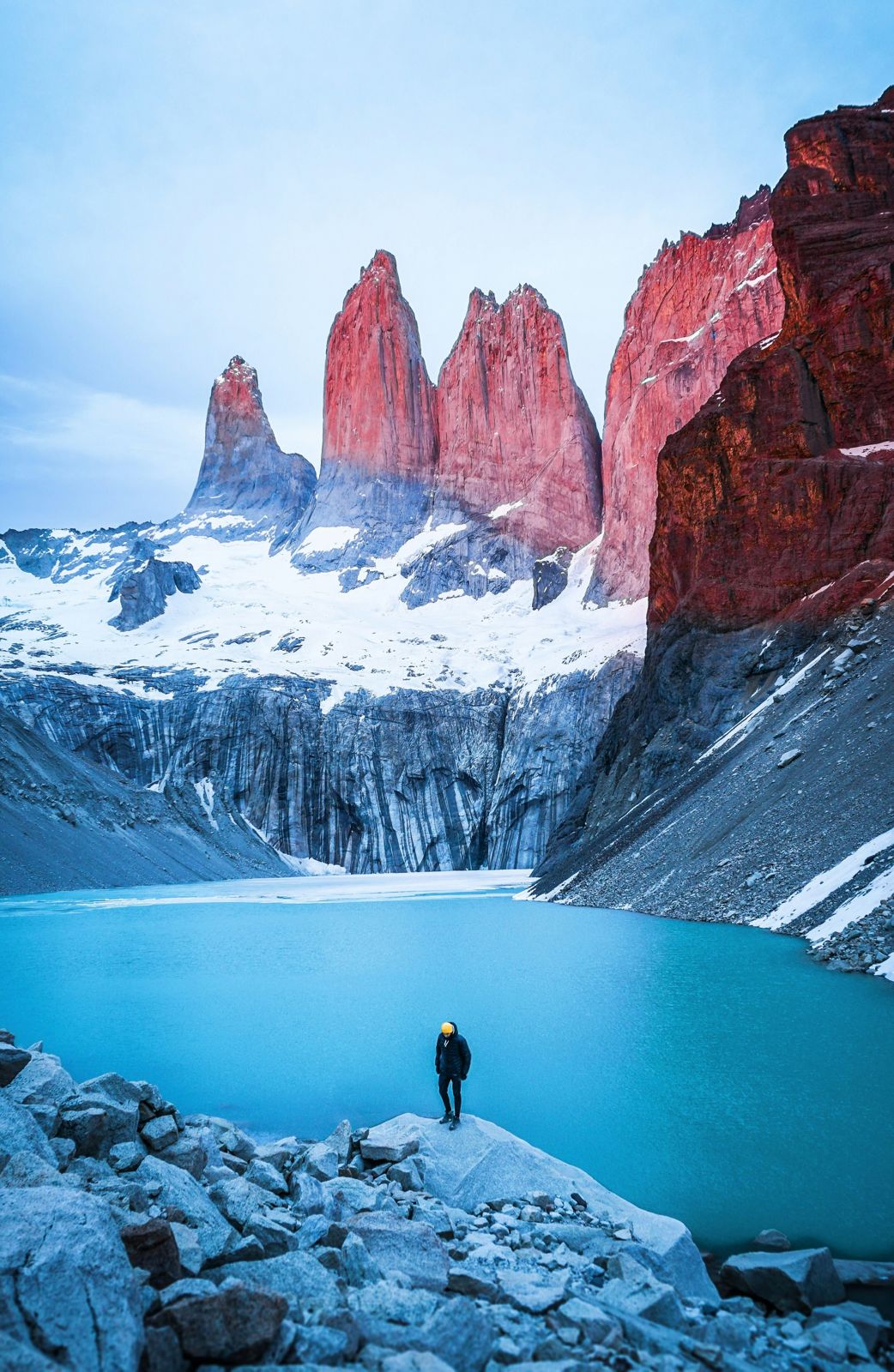
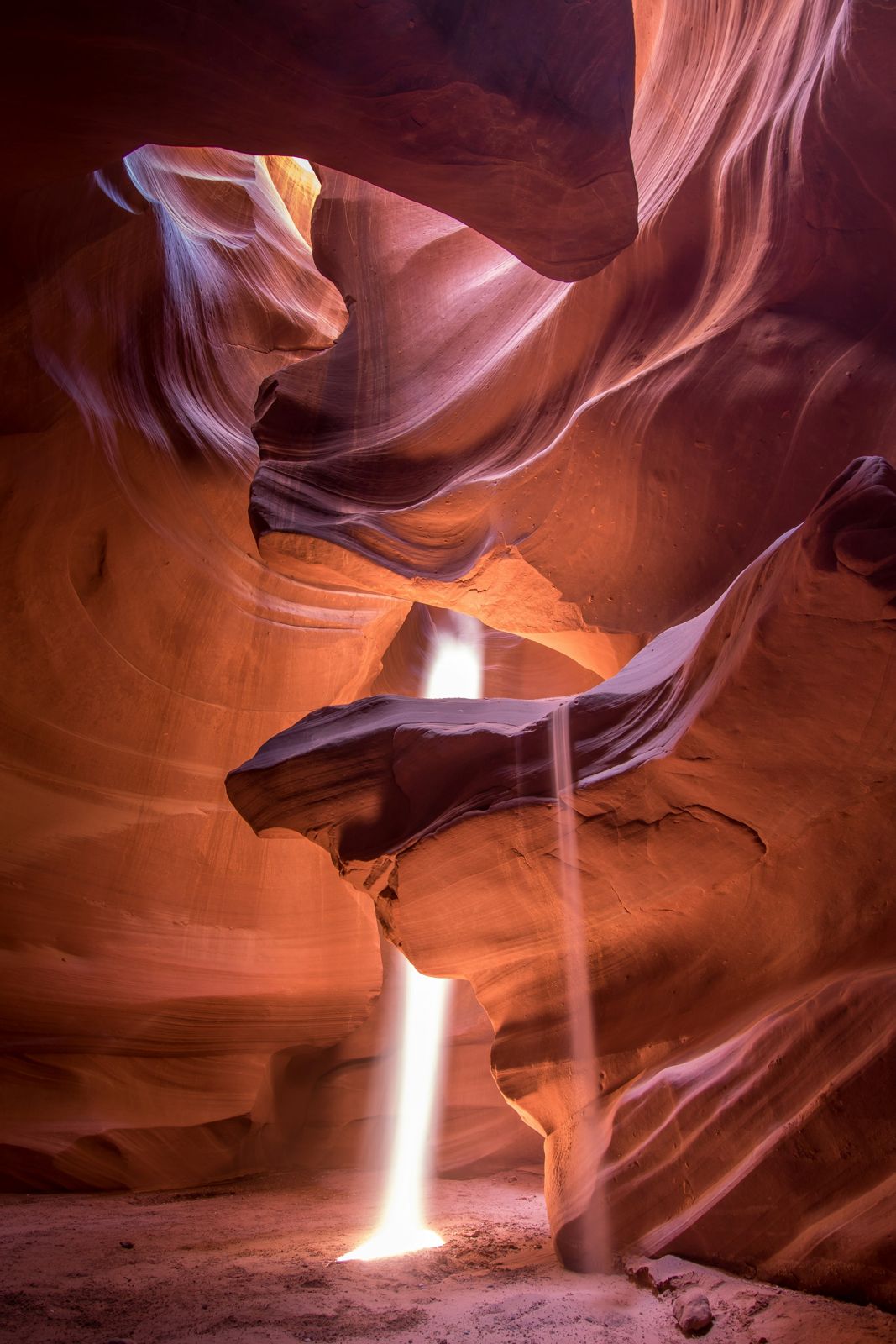
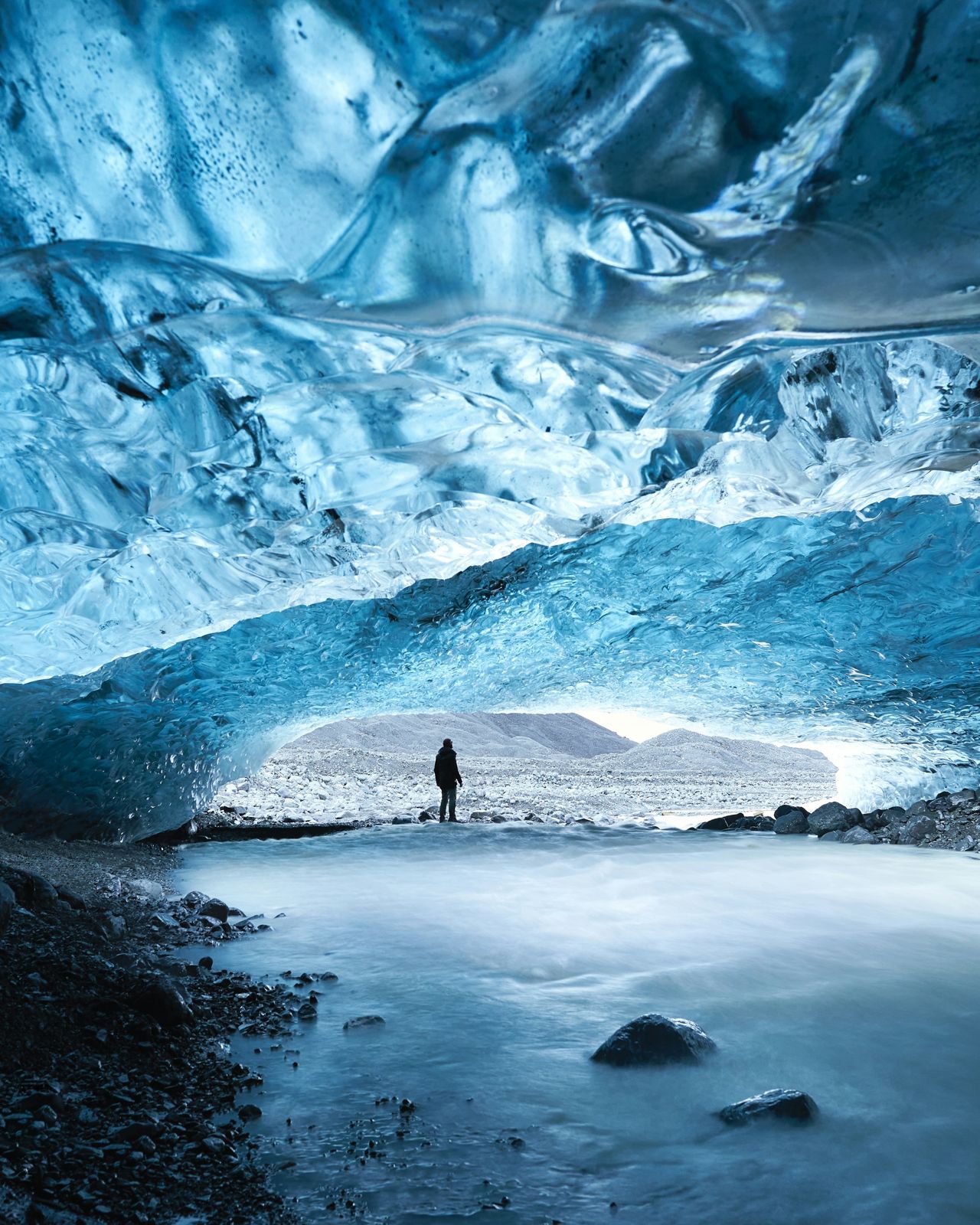
A spatial gallery: a long tunnel of photographs hanging in the dark that you fly through. Drag and the frames rush at you, swell and slip past the edges, with momentum after you let go and the far frames sitting in haze. Click a photo and the camera flies to it and holds it up; click again to drop back into the tunnel.
- Pro
- 3D Components
- 3D
A soft whoosh as frames rush past, and a click when one opens. Sound is off on this site until you switch it on.
Play with it
Move the controls and watch it change. Copy code gives you a snippet with only the props you changed.

Props
| Prop | Type | Default | What it does |
|---|---|---|---|
| photos | TunnelPhoto[] | — | The photos to fly through: { src, title }. Without them the tunnel paints its own skies. |
| count | number | 28 | How many frames hang in the tunnel; photos repeat to fill it. |
| onOpen | (photo: TunnelPhoto, index: number) => void | — | Called with the photo and its index when one is opened. |
| enableSound | boolean | true | Soft synthesised sounds as you use it. They also follow the site-wide sound switch. |
| volume | number | 0.6 | Sound level, 0 to 1. |
| autoplay | boolean | false | Plays a short demo by itself until the visitor touches it. Never runs under reduced motion. |
| className | string | "" | Extra classes for the outer element. |
Add it to your project
- 1
Set up your project once
You need a Next.js project with Tailwind CSS and the
@/import alias. In its root folder, run this once. It createscomponents.jsonand thecn()helper insrc/lib/utils.ts:npx shadcn@latest init -d
Starting from nothing? The Quick Start walks through the whole thing.
- 2
Connect the registry with your API key
Photo Tunnel is a Pro item, so the CLI has to send your API key. Do this once per project:
- Create a key at nexus-ui.com/dashboard/api-key. Copy it straight away: it starts with
nxs_and is shown only once. - In your project root, next to
package.json, create a file named.env.localwith this line, using your own key:NEXUS_API_KEY=nxs_your_key_here
- Open
components.jsonand add this entry inside the outermost braces, next to"aliases". Leave{name}and${NEXUS_API_KEY}exactly as written; the CLI fills them in:"registries": { "@nexus-labs": { "url": "https://www.nexus-ui.com/api/registry/{name}", "headers": { "Authorization": "Bearer ${NEXUS_API_KEY}" } } }
- Create a key at nexus-ui.com/dashboard/api-key. Copy it straight away: it starts with
How Photo Tunnel works
A spatial gallery: you look down a long tunnel of photographs hanging in the dark and fly through it. Drag (or use the arrow keys, or scroll once you have clicked into it) and the frames rush towards you, swell and slip past the
The source, the install command and the build prompt come with Pro.
Photo Tunnel questions
Does it make sound, and how do I turn it off?
A soft whoosh as frames rush past, and a click when one opens. Sounds are synthesised with the Web Audio API, so there are no audio files, and they only play after a click or key press. Pass `enableSound={false}` to silence this component, or call `setSoundsEnabled(false)` from `@/lib/ui-sounds` to switch every sound off at once. The CLI installs `@/lib/ui-sounds` with the component.